

Debugging code has always been a tough nut to crack for developers. You pour your heart into writing what feels like flawless logic, only to watch it crash or spit out bizarre results.
Hours vanish as you sift through cryptic error messages, tweak lines, and scour forums for clues. Sometimes you nail it fast, but other times it turns into an endless puzzle. Sound familiar? If you're a programmer, you've been there.
AI tools are flipping the script on this age-old frustration. These smart assistants don't just spot bugs. They explain them in plain language, suggest fixes, and even turn mishaps into teachable moments.
Why Traditional Code Debugging Feels So Tedious
Research shows AI can slash debugging time by up to 30%, boosting productivity for coders at every level.
Before AI entered the scene, debugging relied on tried-and-true but tedious methods. Developers inserted print statements to monitor variables, stepped through code in debuggers, or hunted for answers on Stack Overflow.
These tactics work, but they're manual and time-intensive. Worse, they often fix the symptom without revealing the root cause, setting you up for repeat offenders.
Traditional tools like IDE debuggers help, but they demand deep expertise and don't always clarify why the issue arose. This approach leaves beginners overwhelmed and pros bogged down in repetitive tasks.
Recent surveys reveal that while 84% of developers now use AI for debugging, trust sits at around 60%.
Why the gap? It's because AI isn't a magic wand. It shines when paired with human oversight, creating a hybrid model that tackles limitations like misreading context or missing edge cases.
What Makes AI Agents Great for Fixing Code Bugs
AI debugging Agents act like a sharp-eyed collaborator, analyzing code snippets and error descriptions to provide not just fixes but detailed explanations.
Paste in your problematic code, describe the glitch, and get a breakdown: what went wrong, where it happened, and how to prevent it next time.
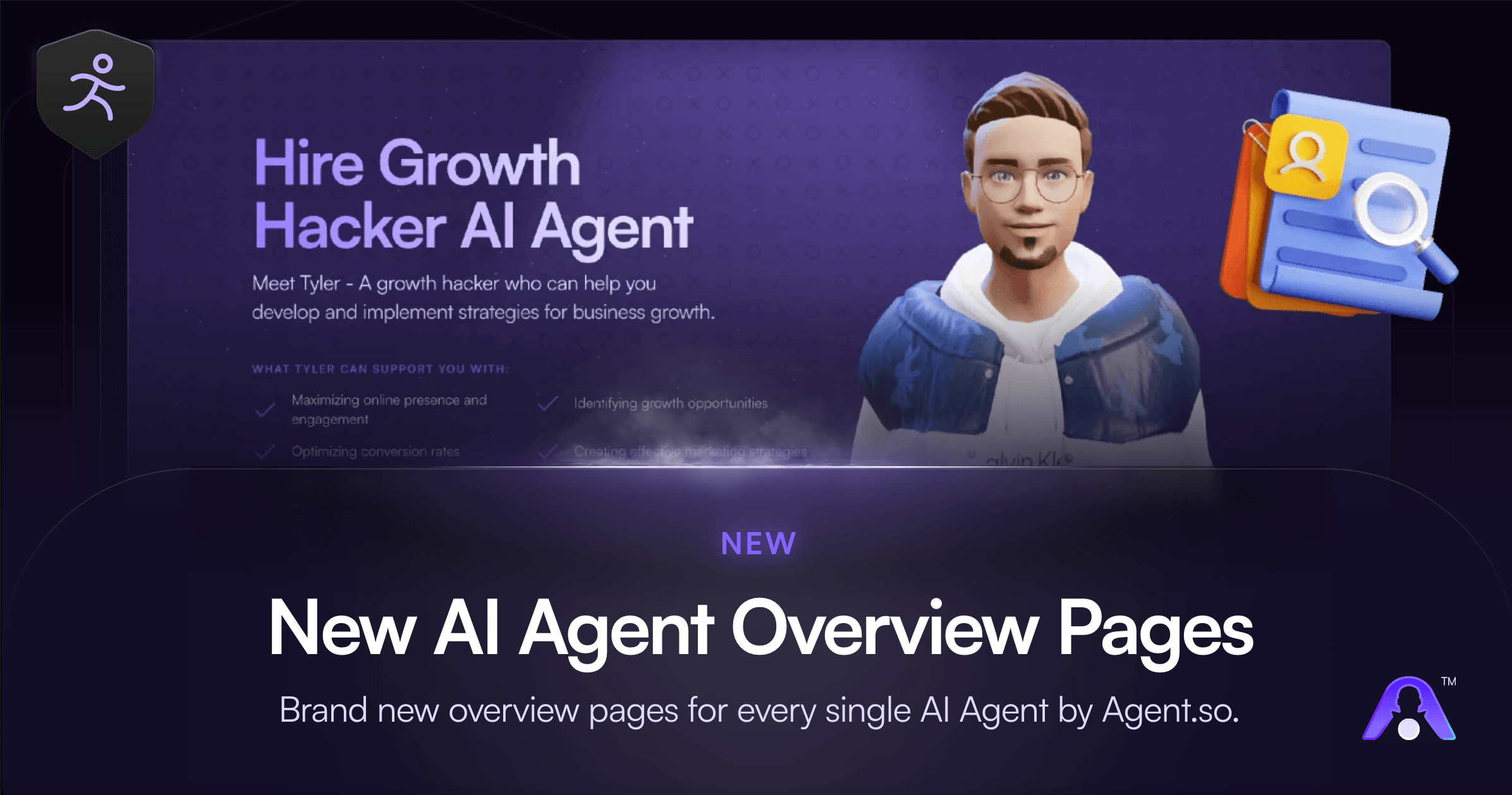
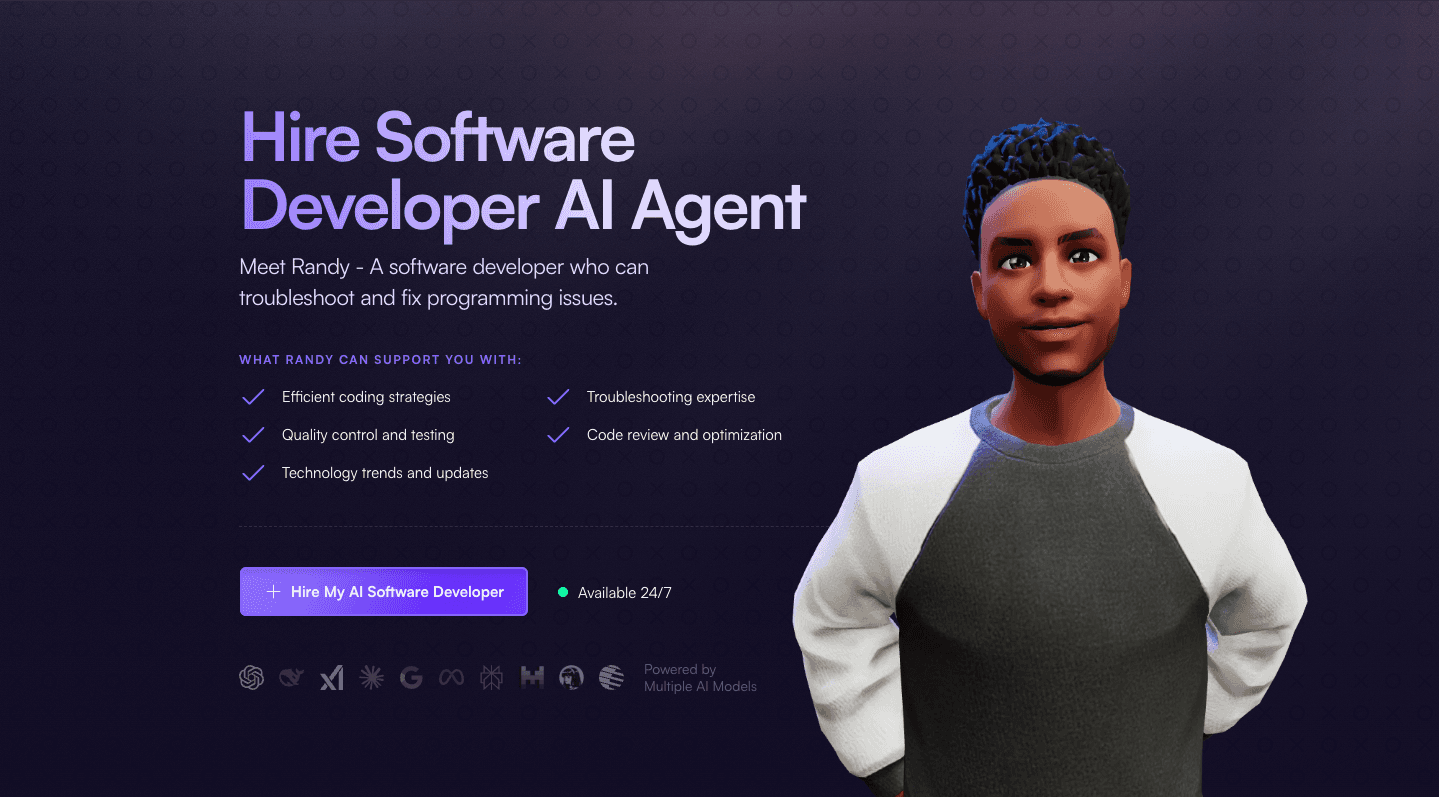
Randy, an AI Software Developer can troubleshoot and fix programming issues. Randy is an experienced software developer who can assist you with a variety of programming tasks. They are proficient in several programming languages, including Java, Python, and Ruby.
They can provide guidance on best practices for software development, including version control, testing, and debugging.
Key Advantages of Using AI Agents in Code Debugging
The perks of AI in debugging go beyond quick fixes. They make the process efficient, educational, and inclusive.
First, speed. AI handles repetitive tasks, isolating issues in massive codebases faster than manual methods. Under tight deadlines, this means quicker resolutions and less burnout.
Second, education. Tools don't just patch problems; they teach. By explaining errors and variations, they build expertise. Beginners demystify concepts, while experts navigate complex systems or language switches, like jumping from JavaScript to Python.
Third, accessibility. AI lowers barriers for novices with simple breakdowns, making coding less intimidating. For pros, it accelerates fixes in high-pressure scenarios. Overall, it turns debugging into an opportunity for growth rather than a roadblock.
Industry reports back this up: reduced debugging time leads to higher productivity across teams. In diverse setups, AI supports language hopping, problem isolation in expansive projects, and gentle guidance for early learners.
Best AI Agents and Tools for Debugging Code
Ready to dive in? Here are standout recommendations, each with free tiers to experiment.
GitHub Copilot: Perfect for IDE integration. It offers on-the-fly suggestions, making it ideal for daily coding. Start here if you want seamless embedding in tools like VS Code.
Cursor: Great for complex projects. Its context-aware features shine in large codebases, providing precise fixes and explanations.
Qodo: Leverages RAG for project-wide references. Use it when you need recommendations tied to your entire repo.
Devin AI: For end-to-end automation. It handles testing, debugging, and deployment, simulating developer processes.
BrowserStack's Low-Code Automation: Tailored for web devs. Its self-healing tests cut failures and speed up iterations.
For advanced needs, explore multi-agent systems like OpenHands or MetaGPT. These setups assign specialized agents to tasks, from code generation to reviews, fostering collaborative efficiency.
How to Get Started with AI Agents for Code Debugging
Jumping into AI debugging is straightforward. Begin by picking one tool that fits your setup.
Integrate it gradually: use it for real-time error analysis, explain confusing messages in plain English, or compare its fixes to your own.
Key tips for success:
Craft clear prompts: Be specific about the code, error, and context. Vague inputs yield weaker results.
Verify everything: AI can miss nuances, so test suggestions thoroughly.
Blend with traditions: Combine AI with print statements or debuggers for a hybrid approach.
Build a knowledge base: Save explanations for recurring issues to reference later.
Ask follow-ups: Turn sessions into conversations to deepen understanding.
This method balances speed with reliability. Over time, you'll notice fewer bugs as your skills sharpen.
Challenges with AI Debugging Agents and Fixes
AI isn't perfect. It might misinterpret context, propose irrelevant fixes, or ignore edge cases. In surveys, some developers report extended debugging for AI-generated code due to these quirks. Trust dips when tools falter, emphasizing the need for validation.
Another hurdle: AI depends on your input. Incomplete details lead to subpar advice. Ethical concerns, like bias in models or data privacy, are also rising as adoption grows.
To counter this, treat AI as a peer, not a boss. Merge its insights with your judgment. Emerging features, like personalized tutoring in tools such as Microsoft's Debug-gym, aim to replicate programmer behaviors and improve interactions.

Future Trends in AI Agents for Code Debugging
Looking ahead, AI's role will expand. Predictive analytics could flag bugs before they hit, while comprehensive scans hunt vulnerabilities. Multi-agent systems will dominate, offering autonomous debugging. Personalized learning might track your patterns, delivering custom lessons on persistent issues like scope errors.
Debates rage on AI's impact, with some worried about over-reliance. Yet, in transitional or high-stakes scenarios, its value is undeniable. Beginners get gentle guidance; pros gain rapid solutions.
As AI evolves, expect ethical focus on bias mitigation and privacy. Tools will become more intuitive, making debugging even more collaborative.
Why AI Agents Are a Must for Modern Code Debugging
Debugging tests every developer's patience, but AI agents are turning it into a faster, clearer, and more rewarding experience. From explaining errors simply to suggesting fixes and fostering learning, these tools empower coders everywhere.
Whether you're battling a stubborn bug or honing your craft, AI offers a guiding hand. Start small, integrate wisely, and watch your productivity soar. Smarter debugging isn't a luxury; it's the new standard.
Debugging code has always been a tough nut to crack for developers. You pour your heart into writing what feels like flawless logic, only to watch it crash or spit out bizarre results.
Hours vanish as you sift through cryptic error messages, tweak lines, and scour forums for clues. Sometimes you nail it fast, but other times it turns into an endless puzzle. Sound familiar? If you're a programmer, you've been there.
AI tools are flipping the script on this age-old frustration. These smart assistants don't just spot bugs. They explain them in plain language, suggest fixes, and even turn mishaps into teachable moments.
Why Traditional Code Debugging Feels So Tedious
Research shows AI can slash debugging time by up to 30%, boosting productivity for coders at every level.
Before AI entered the scene, debugging relied on tried-and-true but tedious methods. Developers inserted print statements to monitor variables, stepped through code in debuggers, or hunted for answers on Stack Overflow.
These tactics work, but they're manual and time-intensive. Worse, they often fix the symptom without revealing the root cause, setting you up for repeat offenders.
Traditional tools like IDE debuggers help, but they demand deep expertise and don't always clarify why the issue arose. This approach leaves beginners overwhelmed and pros bogged down in repetitive tasks.
Recent surveys reveal that while 84% of developers now use AI for debugging, trust sits at around 60%.
Why the gap? It's because AI isn't a magic wand. It shines when paired with human oversight, creating a hybrid model that tackles limitations like misreading context or missing edge cases.
What Makes AI Agents Great for Fixing Code Bugs
AI debugging Agents act like a sharp-eyed collaborator, analyzing code snippets and error descriptions to provide not just fixes but detailed explanations.
Paste in your problematic code, describe the glitch, and get a breakdown: what went wrong, where it happened, and how to prevent it next time.
Randy, an AI Software Developer can troubleshoot and fix programming issues. Randy is an experienced software developer who can assist you with a variety of programming tasks. They are proficient in several programming languages, including Java, Python, and Ruby.
They can provide guidance on best practices for software development, including version control, testing, and debugging.
Key Advantages of Using AI Agents in Code Debugging
The perks of AI in debugging go beyond quick fixes. They make the process efficient, educational, and inclusive.
First, speed. AI handles repetitive tasks, isolating issues in massive codebases faster than manual methods. Under tight deadlines, this means quicker resolutions and less burnout.
Second, education. Tools don't just patch problems; they teach. By explaining errors and variations, they build expertise. Beginners demystify concepts, while experts navigate complex systems or language switches, like jumping from JavaScript to Python.
Third, accessibility. AI lowers barriers for novices with simple breakdowns, making coding less intimidating. For pros, it accelerates fixes in high-pressure scenarios. Overall, it turns debugging into an opportunity for growth rather than a roadblock.
Industry reports back this up: reduced debugging time leads to higher productivity across teams. In diverse setups, AI supports language hopping, problem isolation in expansive projects, and gentle guidance for early learners.
Best AI Agents and Tools for Debugging Code
Ready to dive in? Here are standout recommendations, each with free tiers to experiment.
GitHub Copilot: Perfect for IDE integration. It offers on-the-fly suggestions, making it ideal for daily coding. Start here if you want seamless embedding in tools like VS Code.
Cursor: Great for complex projects. Its context-aware features shine in large codebases, providing precise fixes and explanations.
Qodo: Leverages RAG for project-wide references. Use it when you need recommendations tied to your entire repo.
Devin AI: For end-to-end automation. It handles testing, debugging, and deployment, simulating developer processes.
BrowserStack's Low-Code Automation: Tailored for web devs. Its self-healing tests cut failures and speed up iterations.
For advanced needs, explore multi-agent systems like OpenHands or MetaGPT. These setups assign specialized agents to tasks, from code generation to reviews, fostering collaborative efficiency.
How to Get Started with AI Agents for Code Debugging
Jumping into AI debugging is straightforward. Begin by picking one tool that fits your setup.
Integrate it gradually: use it for real-time error analysis, explain confusing messages in plain English, or compare its fixes to your own.
Key tips for success:
Craft clear prompts: Be specific about the code, error, and context. Vague inputs yield weaker results.
Verify everything: AI can miss nuances, so test suggestions thoroughly.
Blend with traditions: Combine AI with print statements or debuggers for a hybrid approach.
Build a knowledge base: Save explanations for recurring issues to reference later.
Ask follow-ups: Turn sessions into conversations to deepen understanding.
This method balances speed with reliability. Over time, you'll notice fewer bugs as your skills sharpen.
Challenges with AI Debugging Agents and Fixes
AI isn't perfect. It might misinterpret context, propose irrelevant fixes, or ignore edge cases. In surveys, some developers report extended debugging for AI-generated code due to these quirks. Trust dips when tools falter, emphasizing the need for validation.
Another hurdle: AI depends on your input. Incomplete details lead to subpar advice. Ethical concerns, like bias in models or data privacy, are also rising as adoption grows.
To counter this, treat AI as a peer, not a boss. Merge its insights with your judgment. Emerging features, like personalized tutoring in tools such as Microsoft's Debug-gym, aim to replicate programmer behaviors and improve interactions.
Future Trends in AI Agents for Code Debugging
Looking ahead, AI's role will expand. Predictive analytics could flag bugs before they hit, while comprehensive scans hunt vulnerabilities. Multi-agent systems will dominate, offering autonomous debugging. Personalized learning might track your patterns, delivering custom lessons on persistent issues like scope errors.
Debates rage on AI's impact, with some worried about over-reliance. Yet, in transitional or high-stakes scenarios, its value is undeniable. Beginners get gentle guidance; pros gain rapid solutions.
As AI evolves, expect ethical focus on bias mitigation and privacy. Tools will become more intuitive, making debugging even more collaborative.
Why AI Agents Are a Must for Modern Code Debugging
Debugging tests every developer's patience, but AI agents are turning it into a faster, clearer, and more rewarding experience. From explaining errors simply to suggesting fixes and fostering learning, these tools empower coders everywhere.
Whether you're battling a stubborn bug or honing your craft, AI offers a guiding hand. Start small, integrate wisely, and watch your productivity soar. Smarter debugging isn't a luxury; it's the new standard.
Guides
How to Debug Code with AI Agents